
An iptv media player is the app, box, or software that turns your subscription, M3U link, or Xtream login into watchable live TV, movies, series, and sports. For viewers in Sweden, the best choice depends on the screen you use most, the playlist format, EPG support, picture quality, privacy, and whether the player is simple for family use.
How to choose an iptv media player
Start with your main device. A player that feels excellent on iPhone may feel awkward on Android TV. A powerful set top box may be unnecessary if you only watch occasionally on a tablet. The right option should match your screen, remote control, network, and viewing habits.
Check what your provider gives you. M3U is flexible and works in many apps. Xtream Codes organizes live TV, movies, series, and guide data more neatly. Portal systems are common with some dedicated boxes.
What the competitors show
Elgruvan is structured as a product category for physical media players and accessories. It lists MAG, Formuler, Homatics, BuzzTV, remotes, WiFi bridge products, tuners, and HDMI accessories, with prices. The page is useful for shoppers comparing hardware, but it does not explain how to choose between a phone app, TV app, or box.
The App Store page for IPTV Smart Player focuses on software. It says the app displays user added content, supports many media formats, live streams, playlists, filtering, passcodes, unlimited playlists, and an ad free premium option. User reviews show common concerns around playlist import, channel sorting, ads, and unsupported URLs.
Best software options
TiviMate
TiviMate is one of the strongest choices for Android TV, Google TV, and Fire TV. It is built around remote control use, channel groups, favorites, and EPG. If your main screen is a TV, this feels more natural.
IPTV Smarters
IPTV Smarters is popular because many providers support Xtream style login. It separates live TV, movies, and series in a way beginners understand. Check the exact app version and developer, because similar names can cause confusion.
With a JA IPTV service you can test live TV, sports, movies, series, HD, FHD, 4K, and guide data on your device.
VLC
VLC is not the prettiest living room solution, but it is excellent for troubleshooting. If a link works in VLC but fails in a TV app, the issue is often the player, codec, cache, or device.
IPTVX and UHF
For Apple users, IPTVX and UHF can feel polished on iPhone, iPad, and Apple TV. Look for M3U, Xtream, EPG, AirPlay, PiP, subtitle, and sync support before paying for premium.
Best hardware options
Dedicated IPTV boxes can make the sofa experience smoother. Formuler boxes are known for TV focused navigation and MyTVOnline. MAG boxes are built around portal style setups. Android TV devices and Chromecast with Google TV offer app flexibility. A Windows laptop or Mac is better for testing than daily remote control use.
Hardware matters when your smart TV is slow, lacks the right app, or has weak WiFi. More RAM, Ethernet, better cooling, and a clear remote can matter more than flashy marketing.
With a JA IPTV subscription you should test the player on your main TV before choosing longer access. The family experience is decided from the sofa.
EPG, favorites, and organization
EPG is the electronic program guide. It shows what is playing now and what comes next. A good player loads guide data quickly, follows the correct Swedish time zone, and lets you manually match channels when names differ.
Favorites are just as important. Build groups for Swedish news, sports, kids, movies, and international channels. Hide categories nobody uses. A clean playlist loads faster and is easier for the whole household.
Compare how Viking IPTV presents device support and packages, but judge any setup by how stable it is on your own screen.
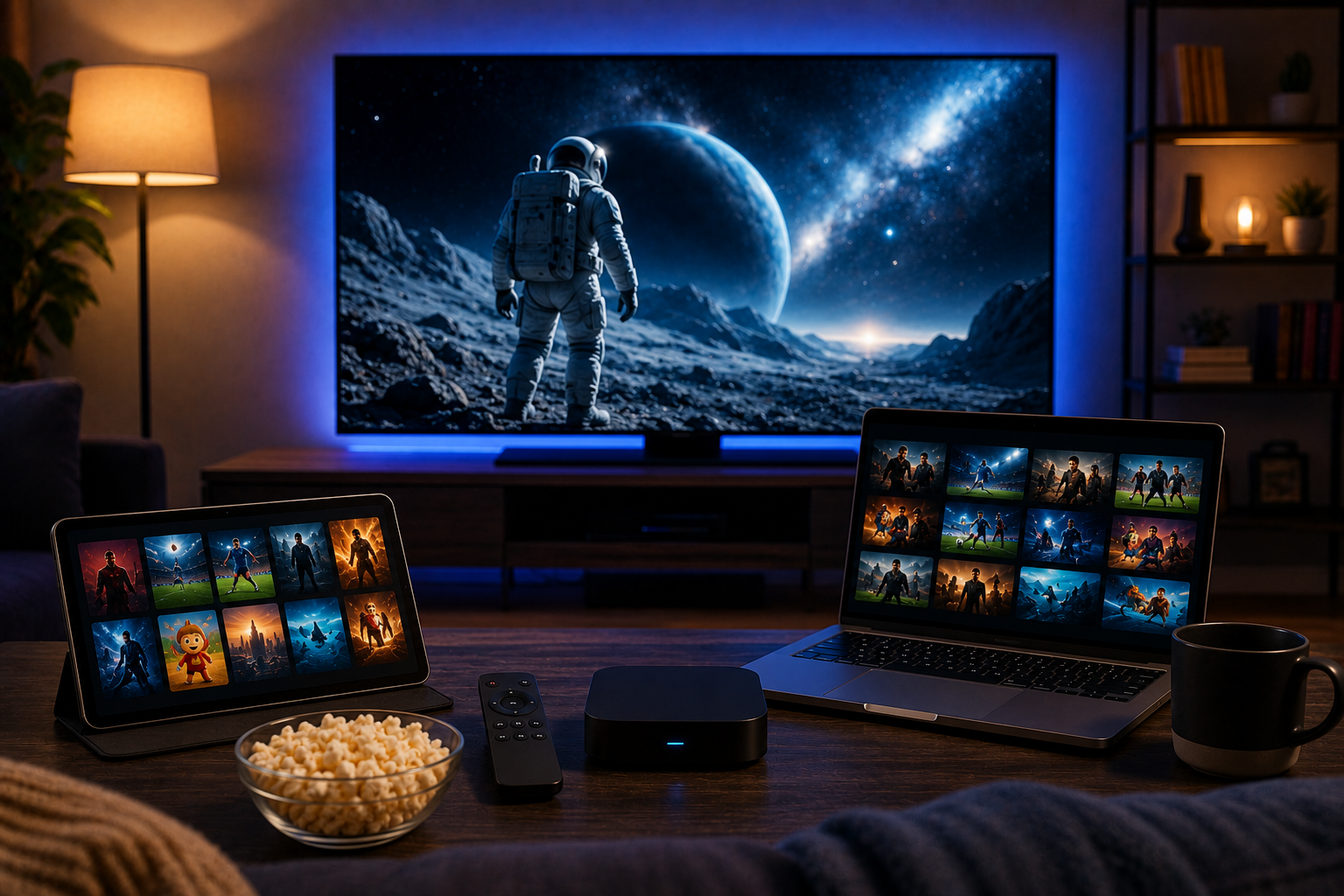
Picture quality and network performance
Do not choose by 4K claims alone. Stable HD or FHD is often better than 4K that freezes during sports. Test each player at several resolutions.
Use Ethernet for the main TV when possible. If you rely on WiFi, test where the TV sits, not beside the router. Evening testing gives the most realistic picture because networks and servers are busier then.
If only one channel buffers, the stream may be the issue. If every channel buffers, test another app, lower resolution, cable, and a second device.
Privacy and safe installation
Install apps from official stores when possible. Avoid modified APK files and unknown downloads. A player should not need access to contacts, camera, photos, or private documents unless there is a clear reason.
Read privacy details before subscribing to premium. Some apps use identifiers, usage data, diagnostics, or advertising tracking. That may be acceptable, but you should know before installing on a phone that also holds banking, email, and personal photos.
Never share M3U links, portal URLs, usernames, or passwords in forums. These details may contain account tokens. If you need help with player choice, M3U, Xtream, EPG, or playback errors, you can contact JA IPTV on WhatsApp. Share your device model and app name, but not passwords or card details.
Practical test plan
Install two options, not ten. Add the same subscription details to both. Open five Swedish channels, one sports channel, one movie, and one series. Check startup speed, buffering, audio sync, subtitles, EPG, channel switching, remote control comfort, and whether favorites remain after restart.
Test during the evening and during live sport if that matters to your household. Write down app version, device, network type, resolution, and problem. Clear notes make support faster and comparisons fairer.
Let someone non technical try the setup. The best player is the one your home can use without constant help.
Common mistakes
The first mistake is thinking the player includes channels. Most players are empty until you add a valid subscription or playlist. The second is buying premium before testing your own device and network.
The third mistake is trusting only ratings. A highly rated mobile app may be poor on a TV remote. The fourth is blaming the provider before testing another player, cable, and lower resolution.
FAQ
Which player is best for Android TV?
TiviMate is strongest for Android TV because it is built around remote control, EPG, and large playlists.
Which player is best for Apple devices?
IPTVX and UHF are popular Apple options. Test with your own playlist because guide data and playback vary.
Do I need a box?
Not always. A modern smart TV or phone can work. A box helps when the TV is slow or lacks good apps.
What should I test first?
Test EPG, sports, subtitles, channel switching, audio sync, favorites, network stability, and support response.
The best player is not simply the most expensive box or the app with the most downloads. It is the option that fits your device, subscription, network, privacy expectations, and daily viewing habits in Sweden. Test carefully, organize favorites, protect your login details, and choose the setup your household can use comfortably. If you want flexible IPTV packages, simple setup, and help for Swedish devices, you can get started with JA IPTV and build a smoother streaming experience at home.