
IPTV security should matter whenever you stream live television, sports, movies, or series through an internet-connected TV, phone, computer, or streaming box. Most viewers focus first on picture quality and buffering, but account credentials, apps, payment pages, device software, and home networks also deserve attention. For users in Sweden, a safer setup starts with knowing where risks appear and using simple habits that reduce unnecessary exposure without making streaming complicated.
Why IPTV Security Matters for Everyday Viewers
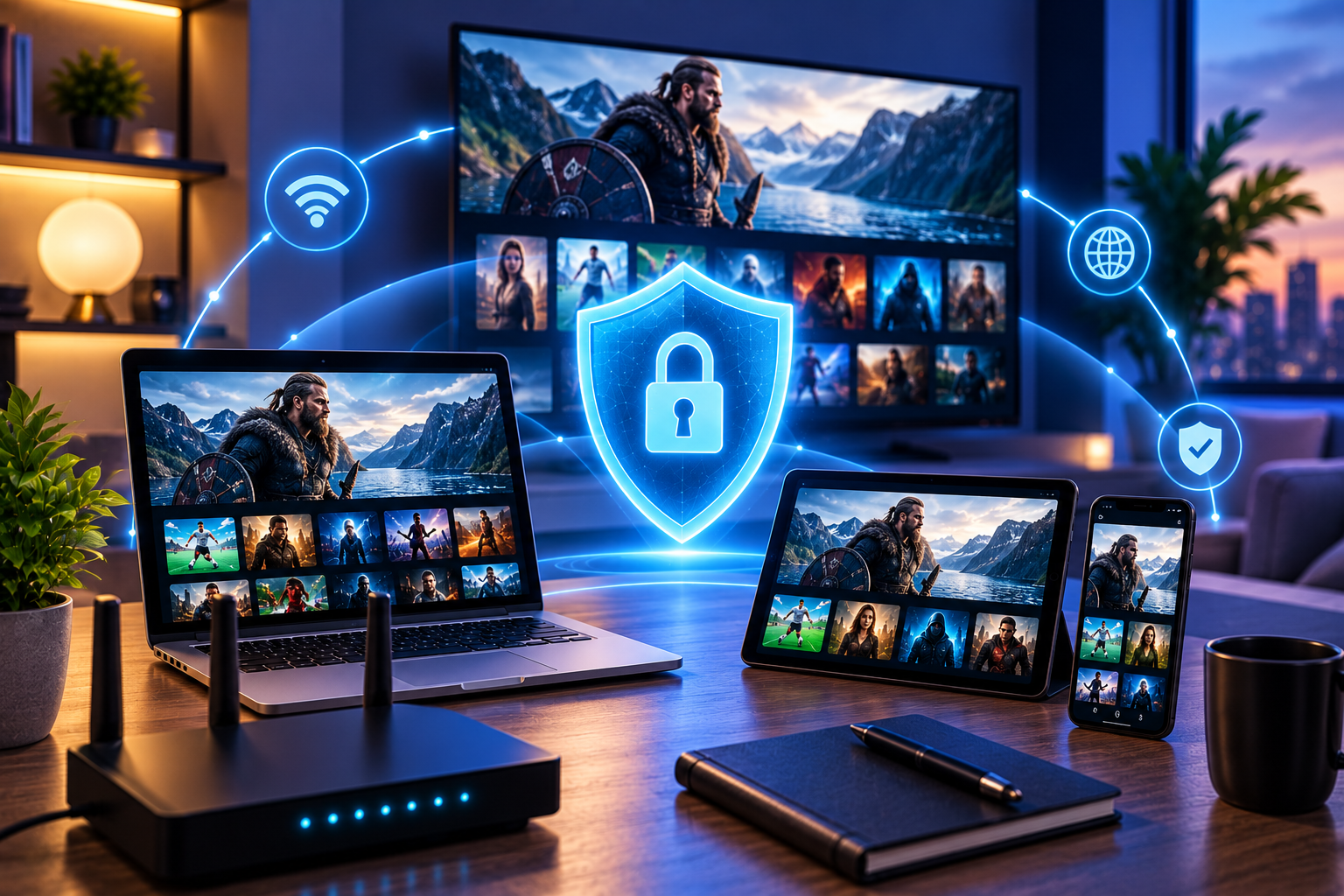
An IPTV setup can involve several connected components: your provider account, media player, Smart TV or streaming device, router, payment method, and sometimes third-party app stores. A weakness in any one of these areas can create problems. A few minutes of checking can prevent much larger problems later.
The risk does not mean IPTV technology itself is automatically unsafe. The same principle applies to other online services. Problems usually become more likely when users install unverified software, reuse passwords, ignore updates, follow fake support links, or share credentials publicly.
Common IPTV Security Risks to Watch For
Fake or Modified IPTV Apps
Unofficial APK files and lookalike applications are among the easiest risks to avoid. A modified player may contain unwanted advertising, tracking software, credential stealers, or other malicious code.
Install applications from official app stores or verified developer websites whenever possible. On Android devices, be especially careful when enabling installation from unknown sources. If sideloading is necessary, verify the source and disable that installation permission again afterward.
Stolen or Reused Login Credentials
Using the same password across email, shopping, social media, and streaming accounts increases the impact of a credential leak. If one service is compromised, attackers may try the same email and password elsewhere.
Use a unique password for important accounts. If your IPTV provider supports stronger account protection or account-management security, enable it. Never post playlist URLs, usernames, passwords, or activation details in public forums.
Phishing and Fake Support Messages
Scammers can imitate support teams through email, messaging apps, social platforms, or cloned websites. They may ask for payment details, account credentials, remote access to your device, or a download.
Check the domain and contact method before responding. When you need subscription or setup information, start from the JA IPTV service website rather than trusting an unsolicited message claiming to represent the brand.
Outdated Smart TVs and Streaming Devices
Old firmware can contain vulnerabilities that have already been fixed in newer releases. Streaming boxes, routers, Smart TVs, phones, and IPTV apps should receive updates when supported by their manufacturers.
Avoid delaying security updates indefinitely. If a device has stopped receiving security patches entirely, consider whether it should remain connected to accounts containing sensitive information.
How to Build a Safer IPTV Setup
Download Players from Trusted Sources
Choose reputable IPTV players and confirm the developer before installation. Similar app names can belong to unrelated companies, so do not rely on the icon or title alone.
For Android APK files, avoid cracked, modified, or “premium unlocked” versions. Saving a small app fee is not worth exposing login details or the rest of your device.
Protect Your Home Network
Change the default administrator password on your router if you have never done so. Use modern Wi-Fi encryption supported by your router and devices, and install router firmware updates when available.
Use Secure Payment Habits
Before purchasing any online subscription, check that you are on the intended website and that the connection uses HTTPS. Avoid entering card information after arriving through suspicious pop-ups, shortened URLs, or unsolicited messages.
When comparing plans for compatible devices, a JA IPTV subscription can be reviewed directly from the official site so you can see the current options without relying on copied sales pages.
Should You Use a VPN for IPTV?
A reputable VPN can encrypt traffic between your device and the VPN server, which may improve privacy on untrusted networks such as public Wi-Fi. It can also prevent the local network operator from directly seeing every destination your device contacts.
However, a VPN is not a complete security solution. It cannot make a malicious IPTV app trustworthy, repair an infected device, protect you after willingly entering credentials into a phishing page, or guarantee that a streaming service has rights to distribute particular content.
Warning Signs That Deserve Attention
Be cautious if a streaming website or seller pressures you to install unfamiliar remote-control software, requests unnecessary identity documents, asks for cryptocurrency only without clear terms, or repeatedly changes domains without explanation.
You can also examine another provider such as Viking IPTV when comparing how subscription services present setup and device information. The goal is to make an informed decision rather than relying on a single advertisement.
What to Do If You Think an Account Is Compromised
First, stop using any suspicious application or website. If you reused the same password elsewhere, change those other accounts immediately, beginning with your email account because it can often be used for password resets.
Remove unknown apps, run the security tools available for your operating system, install pending updates, and restart the device. Check account activity and payment statements where relevant.
If an IPTV login has been exposed, ask the provider whether the credentials can be changed or reset. Contact JA IPTV on WhatsApp from the verified site link when you need help with JA IPTV account or device setup. Do not share banking passwords or one-time authentication codes in support chats.
Safe Streaming Checklist for Sweden
Before streaming, confirm that your app came from a trustworthy source, your device is updated, and your router uses a strong administrator password. Keep IPTV credentials private and avoid reusing important passwords.
Check links before entering payment information, and treat unexpected support messages carefully. Use only content and services you are authorized to access. Swedish viewers should also remember that availability can vary because broadcasters and rights holders may apply regional licensing restrictions.
Frequently Asked Questions
Is IPTV Safe to Use?
IPTV technology can be used safely, but the level of risk depends on the service, applications, devices, network, and user behavior. Choose legitimate sources, update software, and protect account information.
Can an IPTV App Contain Malware?
Any untrusted application can potentially contain malicious code. Reduce the risk by using official stores or verified developer sources and avoiding modified APK packages from random download sites.
Does a VPN Make IPTV Completely Secure?
No. A VPN protects part of the network connection, but it does not verify an app, website, provider, or stream. Device security and careful account practices are still necessary.
Should I Share My IPTV Login with Friends?
Avoid sharing credentials unless the provider explicitly permits it. Shared credentials can be copied, exposed, or used beyond intended connection limits.
Final Thoughts
Safer streaming comes from several small decisions working together: trustworthy software, private credentials, updated devices, careful payment habits, and a protected home network. Treat unexpected downloads and support messages cautiously, and remember that privacy tools cannot replace good security practices. If you want a straightforward IPTV option for supported devices in Sweden, visit JA IPTV to review available plans and choose the setup that best fits your household.