
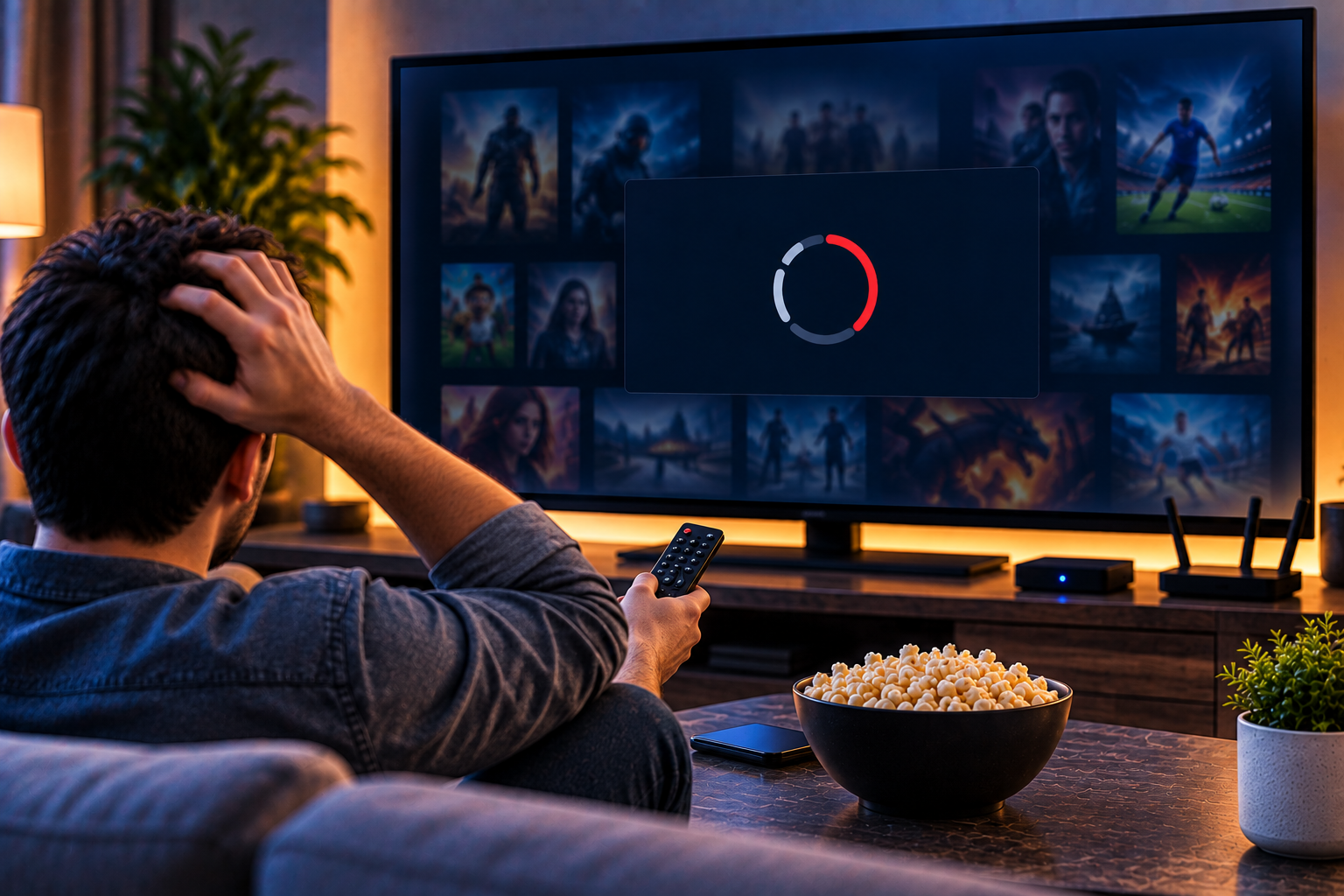
When your IPTV playlist not loading problem appears, it feels like everything is broken at once: no channels, no movies, no series, and sometimes no useful error message. For viewers in Sweden, the fastest fix is not random reinstalling. You need to identify whether the issue is the M3U link, Xtream Codes login, app cache, device, provider account, or network route.
IPTV playlist not loading: start with the source
An IPTV player is only a player. It cannot create channels if the source is wrong, expired, empty, or entered in the wrong format. M3U, Xtream Codes, and portal-based setups fail in different ways, so treat them separately.
Before changing apps, copy your details again from the original provider message or account panel. Do not rely on memory. Extra spaces, missing characters, wrong capital letters, and incomplete URLs are common causes.
What the competitors show
The Reddit TiviMate thread shows a real user problem: the playlist was added, but no channels, movies, or series appeared. Replies pointed toward fake or cracked app versions, provider limitations, missing Xtream details, and even the possibility that the user was looking at an empty favorites group instead of the full channel list.
DaddyTVPlayer gives a cleaner troubleshooting structure. It separates M3U, Xtream Codes, and Stalker portal issues, then recommends fixing the main source before touching XMLTV or EPG. The missing opportunity is a Sweden-focused guide that also covers Fire TV, Android TV, iPhone, smart TV apps, network testing, support questions, and safe handling of credentials.
Step 1: Confirm your login method
Ask what type of setup you received. M3U is usually one long link. Xtream Codes uses server URL, username, and password. A portal or Stalker setup may use a portal address and device authorization.
If you choose the wrong setup screen, the app may accept the details but show nothing. For example, a panel login page is not always the correct Xtream host. A website URL is not always a direct M3U playlist.
For Swedish homes, this order saves time because many households use several screens. One person may test on a phone, another on a Fire TV, and someone else on a smart TV. If you do not control the variables, every device seems broken for a different reason and support becomes slower than necessary overall today.
With a JA IPTV service, you can test live TV, sports, movies, series, HD, FHD, 4K, and EPG on the device you actually use in Sweden.
Step 2: Fix M3U problems
For M3U, paste the full link exactly. It should usually start with http or https and end in a playlist-related format or tokenized address. If the provider regenerated your link, delete the old playlist and add the new one fresh.
Test the link in VLC on Windows or Mac. If VLC cannot open it, the issue is probably the link, account, server, or network. If VLC works but your TV app does not, the issue may be app compatibility or cache.
Also check whether your app expects a remote URL or a local file. Some players support both, but the wrong option can produce an empty import.
Step 3: Fix Xtream Codes problems
Xtream uses three fields together: server, username, and password. One wrong character can stop everything. Copy each field from the original source. Avoid adding dashboard paths unless the provider specifically says so.
If channels load but VOD does not, the account may be limited or the app may not sync all sections. If nothing loads, confirm that the subscription is active and the server is online.
With a JA IPTV subscription you should test login, categories, guide data, subtitles, VOD, and restart behavior before choosing longer access.
Step 4: Clear app and device issues
Apps store old data. If you tried several playlists, the app may keep broken cache, duplicate entries, or old guide files. Remove the playlist, clear cache, restart the device, then add the source again.
On Fire TV or Android TV, check storage space and app permissions. On iPhone or iPad, close the app fully and reinstall only if needed. On smart TVs, older models may struggle with large playlists.
Do not install cracked player apps. They can break updates, hide settings, or fail when a normal app would work.
Step 5: Separate playback from EPG
EPG is the program guide. It is not the first thing to fix when no channels appear. Get the playlist working first. Then refresh XMLTV or guide data.
If channels play but guide data is blank, check time zone, tvg id, channel names, and EPG URL. Swedish users should confirm that guide times match local viewing, especially around daylight saving changes.
Compare how Viking IPTV presents device support and packages, but judge any service through your own app, screen, and evening network conditions.
Step 6: Test network and VPN
A playlist can fail if your network blocks the server, DNS is unstable, or a VPN route breaks login. Turn VPN off, test again, then turn it on only if it helps. Restart the router and device before blaming the provider.
Use Ethernet for the main TV if possible. If you use WiFi, test where the TV actually sits. Evening tests are more realistic because streaming traffic is heavier.
What to ask support
Good support needs details. Send your device model, app name, login method, exact error message, and what you already tested. Do not send passwords unless using a secure, trusted support process.
Need help with M3U, Xtream, EPG, or app setup? You can contact JA IPTV on WhatsApp. Share device model and app name, but never card details.
Ask whether the account is active, whether the server host changed, whether your line reached its stream limit, and whether your provider recommends another player for your device.
Quick fix checklist
The app says added but shows nothing
Check whether you are viewing favorites only. Scroll to all categories, refresh the playlist, and remove empty filters.
The link worked yesterday
Your subscription may have expired, the server may be down, or the provider may have rotated the URL.
M3U works in VLC, not TV
Try another TV player, clear cache, lower playlist size, or use Xtream login if available.
Xtream accepts login but stays blank
Confirm the host field, remove old entries, and ask support whether the account has live TV, VOD, and series enabled.
Common mistakes
The first mistake is reinstalling repeatedly without checking the source. The second is mixing EPG troubleshooting with playlist troubleshooting. The third is testing only on one app and assuming the service is broken.
The fourth mistake is changing everything at once. Change one thing, test, and write down the result. That method quickly shows whether the issue is the provider, app, device, or network.
A blank IPTV playlist is usually fixable when you work in the right order: confirm the source type, copy details cleanly, test in VLC, clear the cache, separate EPG from playback, and ask support with useful details. If you want flexible IPTV packages, simple setup, and help for Swedish devices, you can get started with JA IPTV and build a smoother streaming setup at home.