
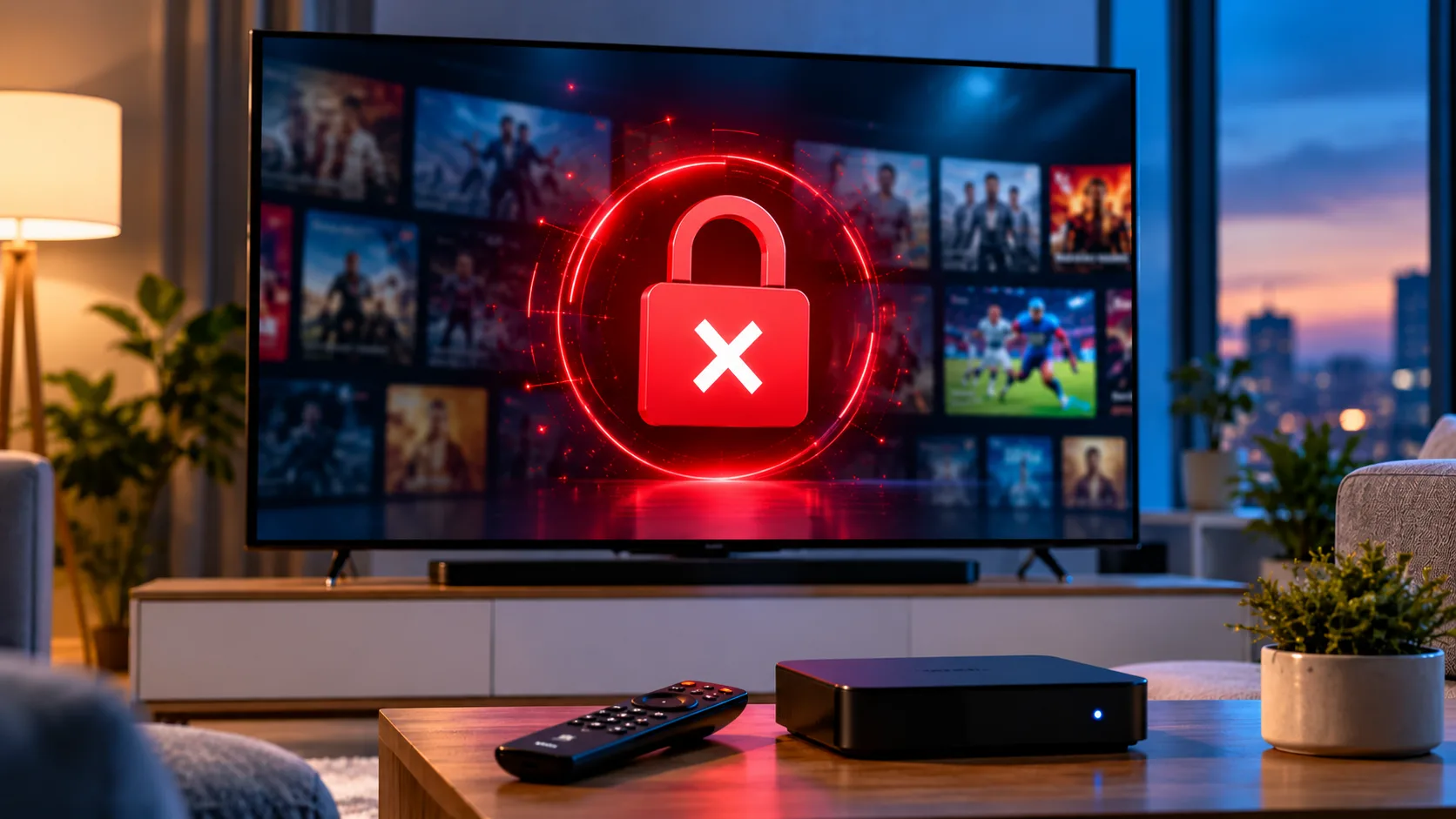
Few things are more annoying than sitting down for a match or a favourite series and seeing IPTV error 403 on your screen. The message looks serious, but it usually points to a simple access problem that you can fix in a few minutes. This guide explains what the code means, why it appears for Swedish viewers, and what to do next.
What a 403 Forbidden Error Means
A 403 Forbidden response means the server received your request, understood it, and refused to serve it. Your internet connection works and the server is online. A rule on the provider side, or somewhere along the route, said no.
This is different from other errors. A 401 means your login was not recognised. A 404 means the address no longer exists. A 429 means you sent too many requests. A 403 means the server knows who you are but will not let that request through.
Common Causes of a 403 Error
Too Many Connections
This is the most frequent cause. Every plan allows a fixed number of simultaneous streams. A phone left paused on a channel, a second television in another room, or a family member watching elsewhere all use a slot. When one more stream starts, the server refuses it.
Expired or Suspended Subscription
If your plan has reached its end date, some servers accept the login but block every stream. The sign is simple: everything fails at once, on every device, and nothing changed on your side.
VPN or Blocked IP Address
Many servers refuse traffic from known VPN and data centre addresses. Repeated failed logins can also trigger a temporary IP block. Swedish viewers who use a VPN for privacy often meet this problem, so test without it first. A clear JA IPTV service explains its connection rules upfront, which saves guesswork.
Device or Playlist Restrictions
Some accounts are tied to one device or one app. A new box, a reset router, or a different player can trigger a refusal until the registration is updated. Outdated playlist links or a wrong server address can produce the same result.
Network Filters and ISP Blocking
Router parental controls, security software, and some ISP filters can return their own 403 page. If the same app works on mobile data but not on home Wi-Fi, the problem sits in your local network rather than with your subscription.
How to Fix IPTV Error 403 Step by Step
Work through these checks in order. Each one rules out a specific cause, so you will know exactly where the problem sits.
Step 1: Stop Other Streams
Close the app on every other phone, tablet, and television. Wait five minutes, because servers do not always notice a closed stream immediately. Then try again on one device only.
Step 2: Turn Off Your VPN
Disable the VPN completely and restart the app. If the channels load, the server was rejecting your VPN address. Leave it off while streaming, or ask support which connection setup works best.
Step 3: Check Your Subscription and Login
Confirm that your plan is active and in date. Re-enter your username, password, and server address exactly as provided, without extra spaces. A single misplaced character can cause a refusal.
Step 4: Test Another Network
Connect the same device to your phone hotspot. If streaming works there, check your router filters, security software, and DNS settings. Restarting the router also clears many temporary connection problems.
Step 5: Try Another Device or App
Test the stream on a second device or in a different player app. If only one device fails, the cause is likely a device registration, an outdated app version, or a corrupted playlist. Update or reinstall the app and load the playlist again.
Step 6: Contact Support With Details
If the error remains, support is the final step. Share the exact error code, the time it happened, the device, the app, and what you already tested. These details let a provider check the server logs and answer quickly.
When the Problem Is Not on Your Side
Sometimes every local check passes and the error still appears. In that case, the refusal is a provider decision, and only support can change it. Common examples include a suspended account, a server under maintenance, or a security rule triggered by too many failed login attempts.
Avoid retrying again and again. Constant attempts can extend a temporary block. Wait ten or fifteen minutes, then try once with a clean setup.
How to Prevent 403 Errors in the Future
A few habits reduce the chance of seeing this message again. Most of them take less than a minute.
- Close apps properly instead of leaving streams paused in the background.
- Match your plan to your household, so the number of connections fits real use.
- Keep your login private and avoid sharing it outside your home.
- Save the latest playlist or server details after any provider update.
- Update your player app and firmware regularly.
Provider choice matters too. Comparing how different Nordic services such as Viking IPTV describe their connection limits and support can help you understand what is normal and what to ask before subscribing.
Why Swedish Viewers See This Error
Sweden has fast fibre and strong mobile networks, so slow speed is rarely the real cause. The usual suspects are household connection limits, VPN use, and home network filters. Families with several televisions, phones, and tablets reach plan limits more easily than single viewers.
Choosing reliable IPTV with JA IPTV starts with matching the plan to your home. Live channels, movies, series, and sports in HD, FHD, and 4K work best when the connection count, device type, and network setup are planned together.
Frequently Asked Questions
What does a 403 error mean on IPTV?
It means the server received your request but refuses to deliver the stream. Common reasons include connection limits, an expired plan, a VPN address, or a device restriction.
Why do I get 403 with the correct password?
A 403 is not about the password. The server recognises you, but a rule such as a stream limit or device lock blocks the request.
Can too many devices cause this error?
Yes. Exceeding the simultaneous connections on your plan is the most common trigger. Close other streams and wait a few minutes before retrying.
Will a VPN fix or cause the problem?
A VPN usually causes it rather than fixing it. Many servers reject VPN addresses, so turn it off while testing.
How long does a temporary block last?
It often clears within a few minutes to an hour. If it lasts longer, contact support and share the time, device, and error details.
If you want a smoother setup in Sweden, start with a trusted service that makes connections, devices, and support easy to understand. You can explore plans, channels, pricing, and streaming quality on the official site, then choose the package that fits your household and budget. When you are ready to watch live TV, movies, series, and sports without the guesswork, get started with JA IPTV and enjoy stable HD, FHD, and 4K streaming across your devices with support available whenever you need help.