
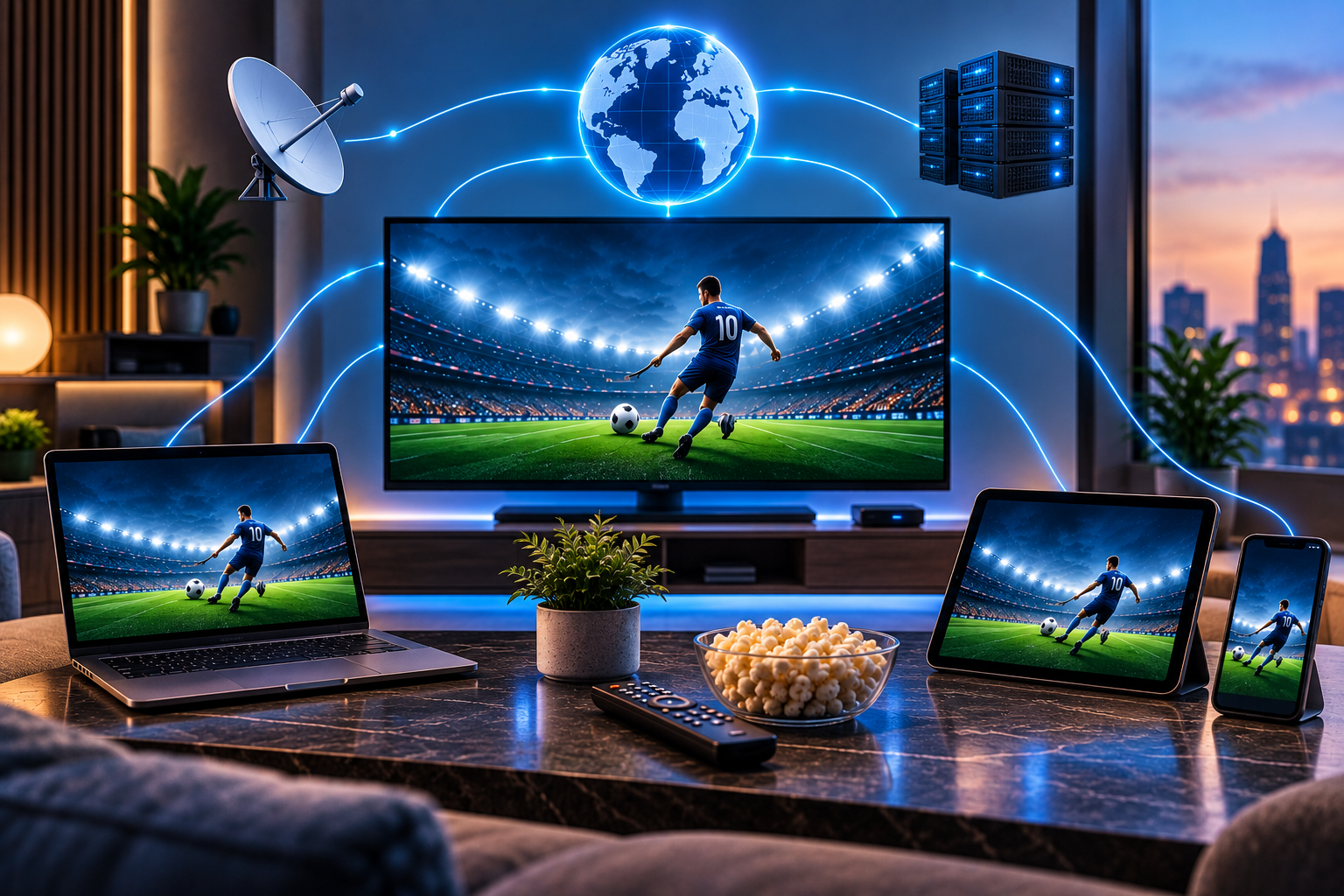
If you are wondering how does iptv work, think of it as television that travels through internet networks instead of antenna, cable, or satellite systems. A channel, movie, or series is prepared on a server, sent in small data packets, received by your app or box, and rebuilt as video on your screen. For viewers in Sweden, the final quality depends on the provider, broadband, device, app, and home network.
How does IPTV work behind the scenes?
Every IPTV system starts with content. Live channels are captured as they happen, while movies and series are stored in digital libraries. Before anything reaches your screen, the video is encoded, compressed, packaged, protected, and linked to subscriber access rules.
When you open a channel, your player requests that stream from the service. The server checks whether your account is allowed to watch it, then sends video segments continuously. Your device buffers a small amount, decodes the stream, and displays picture, sound, subtitles, and guide information.
What the competitors explain
DoveRunner gives a technical overview of IPTV, comparing it with OTT streaming and explaining headends, encoders, transcoding, packaging, DRM, subscriber management, multicast, unicast, EPG, VOD, and monitoring. It is strong for readers who want infrastructure detail, but less practical for home setup.
Explain That Stuff uses a simpler teaching style. It explains storing programs, preparing video, compression, streaming, unicasting, multicasting, CDNs, protocols, set-top boxes, dongles, bandwidth limits, latency, and packet loss. The missing opportunity is a Sweden-focused guide that connects the technology to everyday IPTV choices.
From studio to server
A live football match, news show, or entertainment channel begins as a video feed. The feed goes into an IPTV headend, which is the control center. There, the signal is converted into digital streaming formats such as H.264 or H.265 and split into versions for different speeds and screen sizes.
Video on demand works differently. A movie or series episode is stored on servers, then delivered only when you choose it. That is why VOD browsing feels more like Netflix than traditional channel surfing.
With a JA IPTV service, you can test live TV, sports, movies, series, HD, FHD, 4K, and EPG on devices used in Swedish homes.
Packets, buffering, and playback
Internet video is not sent as one giant file. It is broken into small packets or segments. Your player downloads a little, starts showing it, and continues fetching the next pieces while you watch.
Buffering happens when the next pieces do not arrive quickly enough. That can be caused by weak WiFi, overloaded servers, poor routing, device limits, bad app caching, or high resolution on a slow connection.
Live TV versus VOD
Live TV needs low delay and steady delivery. If thousands of viewers watch the same event, systems may use multicast inside managed networks or efficient distribution methods to reduce load.
VOD is usually unicast. That means your device requests the specific movie or episode you choose. It offers control, but it also needs enough server capacity and good routing.
M3U, Xtream, and apps
Many IPTV services use M3U playlists, Xtream Codes login, or portal systems. M3U is a link or file that lists channels and stream URLs. Xtream usually uses a server URL, username, and password, then organizes live TV, movies, series, and EPG more neatly. Portal systems are common with some set top boxes.
Apps such as TiviMate, IPTV Smarters, VLC, IBO Player, Smart IPTV, IPTVX, UHF, and Kodi read these details and turn them into a usable menu. The app does not create the content. It only displays what your subscription provides.
Why EPG matters
EPG means electronic program guide. It connects channel names with schedules, current shows, logos, and upcoming programs. Without guide data, even a large channel list becomes hard to use.
If EPG is blank, the issue may be time zone, tvg id, channel naming, cache, provider data, or the player. Swedish households should test guide accuracy on the main TV, not only on a laptop.
With a JA IPTV subscription you should check EPG, subtitles, sports channels, VOD search, and favorites before choosing longer access.
Devices and home networks
IPTV can work on smart TVs, Android TV boxes, Fire TV devices, Apple TV, phones, tablets, Windows PCs, and laptops. Each device has different app support, processor power, memory, WiFi quality, and remote control comfort.
Ethernet is usually better for the main TV. If you use WiFi, test where the screen actually sits. Thick walls, distance, routers, repeaters, and crowded networks can affect picture quality more than the subscription itself.
Compare how Viking IPTV presents packages and device support, but judge any setup by your own device, router, and evening performance.
HD, FHD, and 4K
Higher resolution needs more stable bandwidth. HD is easier to maintain than FHD, and 4K needs the most headroom. A smooth HD stream is better than a 4K stream that freezes during a match.
Modern compression such as H.265 can reduce bandwidth needs, but both the provider and device must support it. Older smart TVs may struggle with codecs or large playlists even if broadband is fast.
Security, rights, and privacy
IPTV technology itself is neutral. What matters is the source, rights, terms, and safety of the service. Avoid anonymous sellers, unknown APK files, lifetime promises, and offers that sound unrealistic.
Protect your login details. M3U links, portal URLs, and Xtream credentials may contain account tokens. Need help with M3U, Xtream, EPG, or device setup? You can contact JA IPTV on WhatsApp. Share your device model and app name, but never passwords or card details.
Simple test plan
Test one service on your main screen before judging it. Open five Swedish channels, one sports channel, one movie, and one series. Check startup speed, buffering, audio sync, subtitles, channel switching, guide data, and favorites.
Test during evening hours and during live sport if that matters to your home. Write down app, device, network type, resolution, and problems. Clear notes make support faster.
If results differ between rooms, move the box closer to the router, try Ethernet, restart the player, and retest the same channels. Change one thing at a time. That method shows whether the weak point is the app, the device, the connection, or the stream itself today.
FAQ
Is IPTV the same as streaming?
It is a type of internet streaming, but it often focuses on organized live channels, EPG, VOD, and TV-style navigation.
Does IPTV need fiber?
Fiber helps, but stable speed and low interruption matter more than headline speed. Ethernet can improve results.
Why does IPTV buffer?
Common reasons include weak WiFi, overloaded servers, poor routing, app problems, device limits, or high resolution.
Do apps include channels?
Usually no. A player displays content from your subscription or playlist.
IPTV works as a chain: content source, encoding, servers, delivery network, app, device, broadband, and support. If one part is weak, the viewing experience suffers. Learn the basics, test carefully, protect your credentials, and choose a setup that fits Swedish home viewing. If you want flexible IPTV packages, simple setup, and help for Swedish devices, you can get started with JA IPTV and build a smoother streaming experience.