
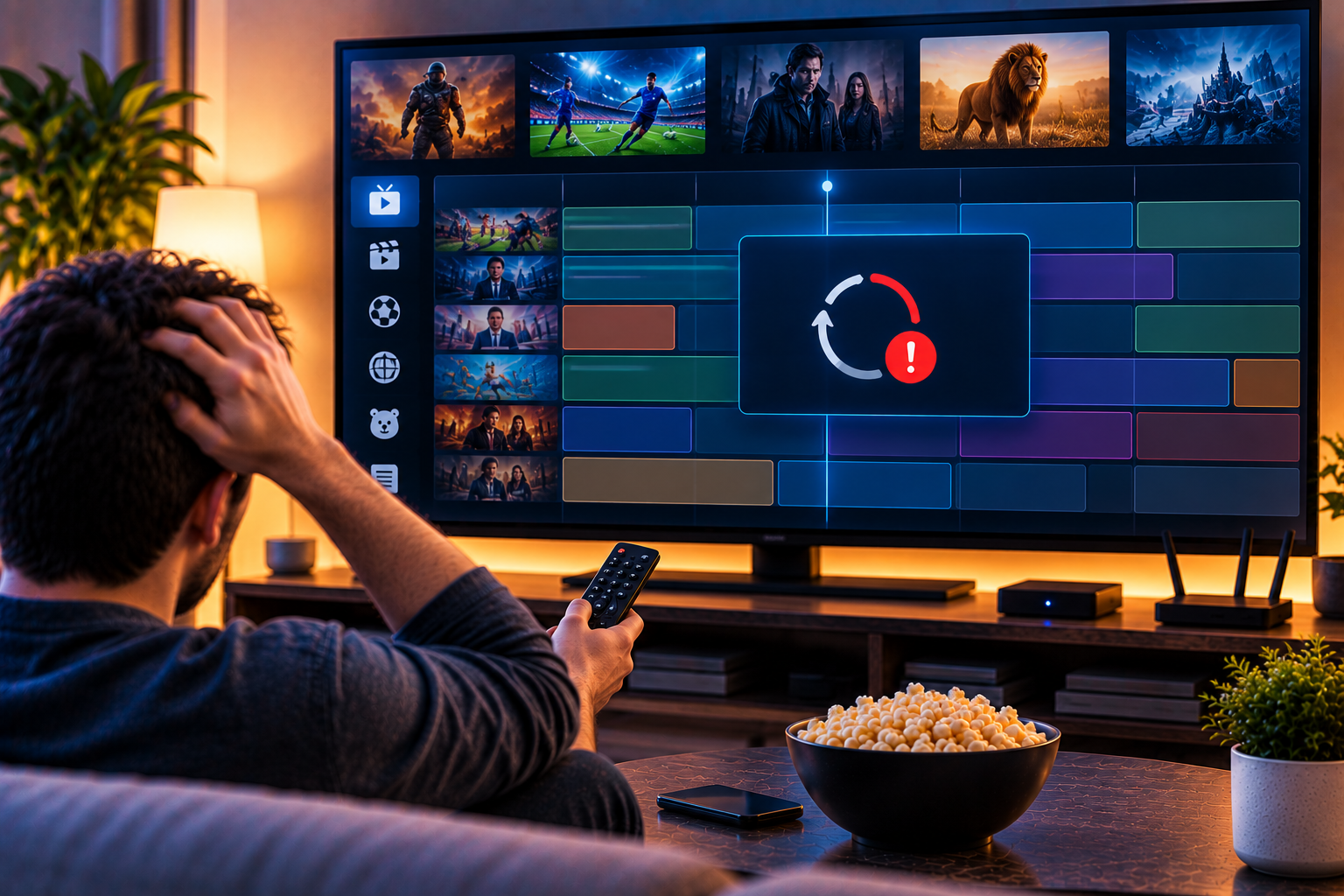
When IPTV EPG not updating errors appear, your channels may still play, but the guide shows old schedules, empty boxes, or “No information.” The fix is usually a structured check of the EPG source, app cache, time zone, provider data, and network connection.
IPTV EPG not updating: what the guide needs
EPG means Electronic Program Guide. It is separate from the video stream. Your playlist gives the player channel links, while the EPG or XMLTV file gives program titles, times, descriptions, logos, and sometimes categories.
That separation matters. A channel can play perfectly while the guide stays blank.
What the competitors show
The TiviMate Reddit thread is a real troubleshooting case. A user changed the server URL; the guide worked for about a week, then TiviMate reported successful updates while favorites still showed no information. Replies discussed provider-side EPG issues, clearing cache, replacing the server URL, using the exact URL, VPN routing, official app versions, and whether cracked apps caused guide problems.
The m3uiptv guide explains EPG setup more directly. It says the XMLTV URL usually comes from the welcome email or customer panel, should be copied exactly, and can be added in Tivimate or IPTV Smarters. It also explains that M3U carries streams, while XMLTV carries schedule metadata. The missing piece is a Sweden-focused fix order across devices.
Step 1: check whether channels still play
Start by opening live TV, not the guide. If no channels play, you may have a playlist, login, account, server, or network problem rather than an EPG problem.
If channels play and only the guide is missing, stay properly focused on guide data. With a JA IPTV service, you can test live TV, sports, movies, series, HD, FHD, 4K, and EPG on the device you actually use in Sweden.
Step 2: Confirm the EPG source
Look for an EPG URL, XMLTV URL, guide link, or playlist panel setting. It may end in .xml or .php and may include username and password parameters.
Copy the full link exactly. Do not add or remove http, https, ports, slashes, question marks, or tokens. One invisible space can break a guide. If your provider changed servers, ask whether the EPG URL also changed.
For Xtream Codes, many apps pull EPG automatically from the server. For M3U, you may need to add a separate XMLTV source.
Step 3: Clear old guide data
Apps can keep stale EPG files even after a provider fixes the feed. In TiviMate, clear EPG data, update the playlist, then update EPG again. On Android TV or Fire TV, also clear app cache from device settings.
On IPTV Smarters, refresh live TV and EPG from inside the app. If the old guide remains, log out, close the app fully, reopen, and sync again.
With a JA IPTV subscription you should test guide refresh, favorites, VOD, subtitles, and channel switching before choosing longer access.
Step 4: Fix time zone and offset
A guide may look old when the time zone is wrong. Swedish viewers should confirm that the device clock, app time zone, and guide offset match local time. Check this especially after daylight saving changes.
If programs are shifted by one or two hours, do not delete everything immediately. Look for EPG offset settings inside the player. Adjust one hour at a time and test a few known channels.
Step 5: Check favorites and categories
Sometimes the guide is not missing everywhere. It may be blank only in favorites because channel IDs changed after a provider update. Remove one affected channel from favorites, find it again in the full category, and add it back.
Also check hidden categories, filters, and custom sorting. A player may show no guide because you are looking at an old saved channel entry.
Compare how Monster IPTV presents package and device information, but judge any service by how reliably its guide updates on your own screen.
Step 6: Update the app properly
Unofficial, cracked, or outdated apps can cause guide sync problems. Use official store versions when possible. On Fire TV, make sure the player version is current and supported.
Large guides need storage and memory. If your smart TV or box is nearly full, EPG downloads may fail silently. Delete unused apps, restart the device, and update the guide again.
Step 7: Network, DNS, and VPN
EPG files are downloaded from a server just like streams. If DNS fails, a VPN blocks the domain, or routing is poor, the guide may not refresh even when channels play.
Test with VPN off, then on only if it helps. Restart the router and device. If possible, try a mobile hotspot to see whether your home network is the blocker. Use Ethernet for the main TV if available.
Need help with EPG URL, XMLTV, TiviMate, IPTV Smarters, or Swedish device setup? You can contact JA IPTV on WhatsApp. Share device model, app name, and error details, but never card information.
Step 8: Ask support the right questions
Good support needs clear details. Send app name, device model, login method, whether channels play, whether EPG is blank everywhere or only favorites, and when the issue started.
Ask whether the provider changed server URL, EPG source, channel IDs, or account status. Also ask whether the guide is temporarily down for everyone. If multiple users report the same issue, waiting for provider repair may be the only real fix.
Quick fixes by symptom
Guide says No information
Confirm the XMLTV URL, refresh EPG, clear guide cache, and check whether your subscription is active.
Guide updates successfully but stays blank
The app may download an empty or unmatched file. Check channel IDs, provider feed status, and favorites.
Times are wrong
Check device clock, app time zone, country settings, and EPG offset.
Only some channels are missing
Those channels may have unmatched IDs, renamed categories, or no schedule data from the provider.
Common mistakes
The first mistake is reinstalling the app before checking the guide source. The second is treating playlist and EPG as the same thing. The third is assuming a successful update means useful data was actually downloaded.
The fourth mistake is changing server, app, VPN, and device together. Change one thing, test, and write down the result. That method finds the cause faster.
FAQ
Is EPG included with every IPTV service?
Not always. Some services offer limited guide data, and some apps need a separate XMLTV link.
Why did EPG work last week?
The provider may have changed servers, channel IDs, guide feeds, or account settings.
Should I delete my playlist?
Only after saving your original details. Try clearing guide data first.
Can another app fix it?
Sometimes. If one app fails and another works, the issue may be cache, matching, or app compatibility.
A missing or old TV guide is frustrating, but it is usually fixable when you follow the right order: confirm channels play, verify the EPG source, clear old data, check time zone, refresh favorites, update the app, and test network routing. If you want flexible IPTV packages, simple setup, and help for Swedish devices, you can get started with JA IPTV and build a smoother home streaming setup.