
Choosing the best free IPTV app in 2026 depends on your device, playlist format, and the features you need. Some players focus on live playback, while others add EPG, favorites, VOD, casting, or syncing. For viewers in Sweden, the right choice should handle local and international channels smoothly without charging for unnecessary extras.
What Is an IPTV Player App?
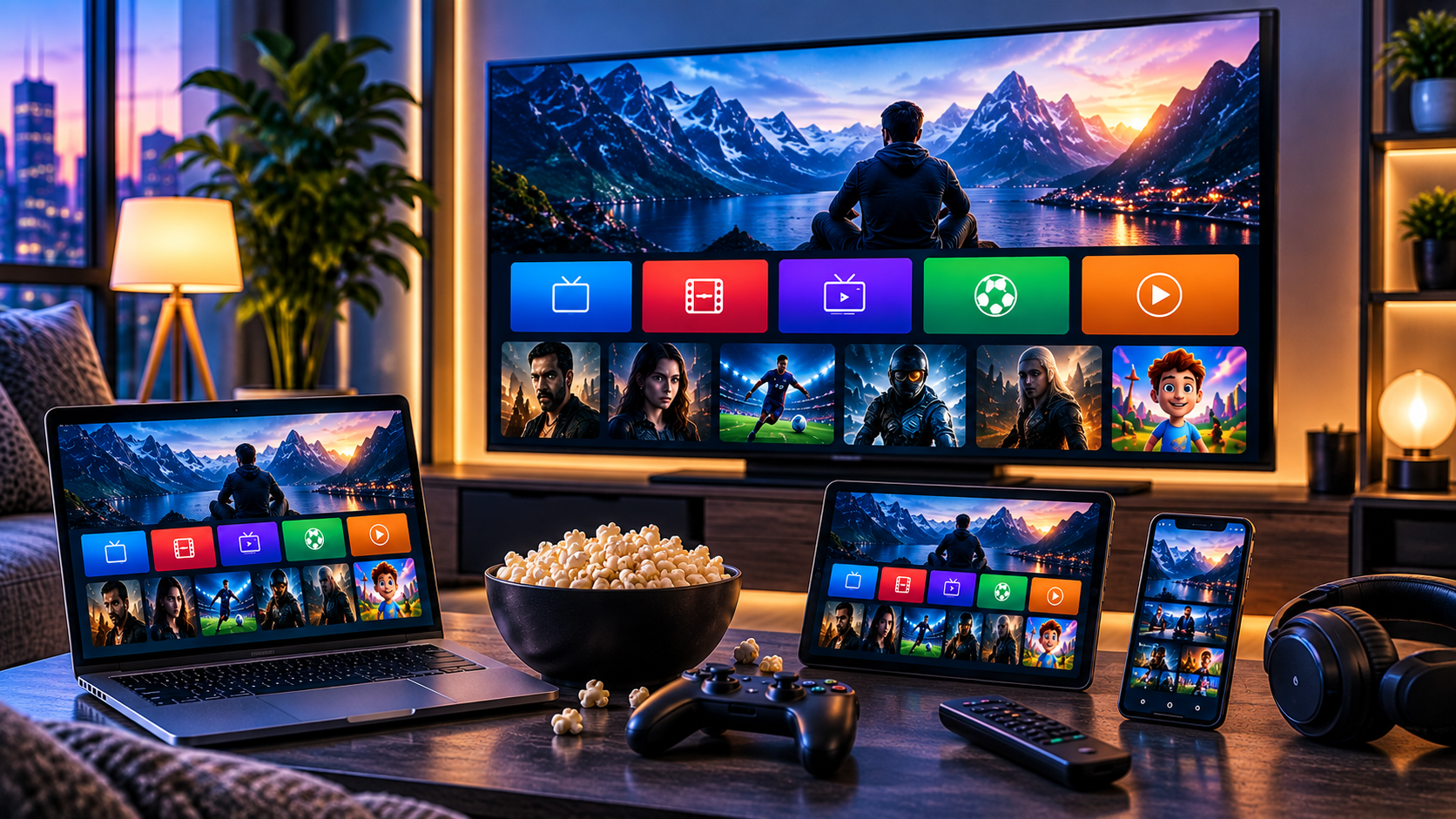
An IPTV player is software that displays streams supplied by an IPTV service or another authorized source. The app itself normally does not provide television channels, sports, movies, or series. You usually add an M3U or M3U8 playlist, Xtream Codes credentials, or another supported login supplied by your provider.
This distinction matters because a good player cannot fix a poor subscription. Buffering, missing channels, or incorrect guide data may come from the provider, your internet connection, the playlist, or the player. Testing each part separately makes troubleshooting much easier.
Best Free IPTV App Options for 2026
1. IPTV Player Live: Strong Choice for Apple Users
IPTV Player Live is a practical option for iPhone, iPad, Apple TV, and Mac users. Its App Store listing supports M3U, M3U8, and Xtream Codes credentials, along with live TV, VOD, favorites, AirPlay, Chromecast, and playlist syncing through iCloud.
The app is free to download with in-app purchases, so verify which features remain free. Reviews also show that EPG access and playlist refreshing can affect the experience. It suits Apple users who value a clean interface and convenient casting.
2. VLC: Best Simple Free Player
VLC remains one of the easiest choices for users who only need straightforward playback. It is free, open source, available across major desktop and mobile platforms, and supports network streams and many media formats.
For IPTV use, VLC works especially well when your provider supplies an M3U playlist. Open the network stream or playlist, choose a channel, and start watching. The trade-off is that VLC is not designed around a television-style EPG, polished channel categories, or a rich VOD interface.
If you already have compatible subscription credentials, the JA IPTV service can be reviewed for supported devices, channel access, VOD, and EPG features before you decide which player best fits your setup.
3. Kodi: Best for Customization
Kodi is another free and open-source media platform. It runs on Windows, macOS, Linux, Android, iOS, and other supported systems and is designed for large-screen media use.
Its strength is flexibility. You can customize interfaces, libraries, and supported add-ons to build a personalized media setup. However, Kodi takes more configuration than a dedicated player, so beginners may prefer something simpler.
4. Free Android Players: Good for TV Boxes and Fire TV
Android and Android TV users have many free or limited-free players. Recent community discussions mention IMPlayer, OWNtv, Televizo, and open-source alternatives, although availability and free features can change.
Instead of choosing solely from recommendations, check whether the player supports your login format, EPG, VOD, subtitles, favorites, and remote-control navigation. Install only from a trusted official source whenever possible.
How to Choose the Right Free Player
Check Your Login Format First
Before downloading anything, identify what your IPTV provider gives you. An M3U URL may work in VLC and many dedicated players, while Xtream Codes credentials require a compatible app. Some services use portals or proprietary login systems.
Choosing the wrong player often creates unnecessary setup problems. Confirm compatibility first, then compare features.
Look at EPG Support
An electronic program guide makes live television easier to navigate. It shows current and upcoming programs instead of leaving you with a long list of channel names.
Free apps sometimes limit EPG features or handle large guides differently. Test several Swedish channels and international channels to see whether program information loads correctly and refreshes reliably.
Test VOD and Search
If you watch movies and series, make sure the app organizes VOD well. Search should be fast, categories should be understandable, and episode order should be easy to follow.
A large library becomes frustrating when the app cannot filter or search efficiently.
Setting Up an IPTV Player Step by Step
First, install the player from its official website, verified app store, or another source you trust. Avoid modified installers that ask you to disable security tools.
Next, open the app and select the appropriate login method. Enter the playlist URL or credentials exactly as supplied. Allow time for large channel lists, VOD libraries, and EPG data to load.
Then test multiple streams. Try Swedish channels, sports, entertainment, movies, and series rather than judging the service from one successful channel.
If you need help confirming compatibility before setup, you can contact JA IPTV on WhatsApp and ask which player or device configuration matches your subscription details.
Free App Versus Paid App: Which Is Better?
Free players are often enough for basic viewing. If you only need live playback, favorites, and simple navigation, paying for a premium player may not be necessary.
Paid upgrades become useful when you want advanced EPG controls, recording, multi-screen viewing, synchronization, parental controls, or stronger playlist management. Whether they are worthwhile depends on your viewing habits.
When comparing different service ecosystems, you may also see device guidance from providers such as Viking IPTV. Use those comparisons to understand setup approaches rather than assuming one player works equally well with every service.
How to Improve Streaming Performance
A player cannot compensate for every network problem. If streams buffer, test Ethernet instead of Wi-Fi, restart your router, pause large downloads, and check whether other devices are consuming significant bandwidth.
Keep the app and device operating system updated. On computers, graphics drivers can also affect high-resolution playback. If one player repeatedly freezes while another works normally with the same stream, the issue may be app-specific. That comparison helps separate app limitations from provider or network problems during everyday viewing.
For users who want to test their chosen player with a Sweden-focused service, Reliable IPTV with JA IPTV can be evaluated alongside device compatibility, EPG behavior, and picture quality before selecting a longer plan.
Safety and Privacy Tips
Only install apps from sources you trust. Be cautious with unofficial APK files, modified software, or websites asking for unnecessary permissions.
Do not post your playlist URL, username, password, or portal details publicly. Protect your subscription credentials and make sure the content you stream is authorized under applicable laws and rights.
Frequently Asked Questions
Does a Free IPTV Player Include Channels?
Usually not. A player is primarily software for displaying content from a separate subscription or authorized playlist.
Which Free Player Is Best for Beginners?
VLC is simple for M3U playback, while dedicated IPTV apps can provide a more television-like interface. Your device and login format should guide the decision.
Can I Use the Same Player on Multiple Devices?
Some apps support several platforms, while others are limited to one ecosystem. Check the developer’s current device list before setting everything up.
Final Thoughts
A good free player should support your credentials, organize content clearly, and run smoothly on your main device. Test before paying for upgrades. To pair a compatible player with a Sweden-focused subscription, visit the JA IPTV official website and choose a setup that suits your viewing habits.