
If you are searching for gse smart iptv pro, you probably want to know whether the app is worth using for IPTV in Sweden. It can be a powerful player for M3U playlists, Xtream Codes, EPG files, subtitles, casting and device settings. It is not an IPTV subscription, so you still need a separate service that provides the channels and content you are allowed to watch.
What the Competitor Pages Show
The Google Play listing uses a standard store structure with price, rating, downloads, screenshots, reviews and developer information. It highlights Chromecast, Xtream Codes API, automatic reconnection, XMLTV EPG, parental control, copy and paste M3U, themes and broad format support. It also states that users must provide their own content and that the app does not supply media.
The Apple page is more feature heavy. It mentions live TV recording, Chromecast, Xtream Codes, web interface playlist management, AirPlay, EPG timeline, parental control, language switching, local and remote M3U playlists, playlist export and subtitle support. It also says the app does not include media and that users provide their own content.
Both pages answer store level questions, but they do not give a full setup workflow for Swedish users. They do not explain when to use M3U versus Xtream, how to test EPG in Sweden, or how to separate app and service problems.
gse smart iptv pro Review for Sweden
GSE is best understood as an advanced IPTV player. Its strength is flexibility. You can load playlists, manage categories, use EPG data, test stream formats and watch on mobile or tablet. That flexibility is useful when your provider gives M3U, M3U8, JSON or Xtream details.
The downside is that flexibility can feel technical. Beginners may prefer a cleaner TV style player if they only want quick channel access. GSE suits users who are comfortable copying links, checking guide sources and adjusting playback settings.
For Swedish viewers, the key question is whether it makes Swedish live TV, sport, movies, series and program guide easy every evening.
What You Need Before Setup
Before installing the app, collect your login details. With Xtream Codes, you normally need a server URL, username and password. With M3U, you need the full playlist link and sometimes a separate XMLTV link for EPG.
Keep these details private. A playlist URL can contain account information, so treat it like a password. Save it securely and avoid screenshots where the full link is visible.
You should also confirm that your IPTV subscription supports the device you plan to use. For service planning, JA IPTV service can be a practical starting point when comparing Swedish channels, sports, movies and series.
Setup With Xtream Codes
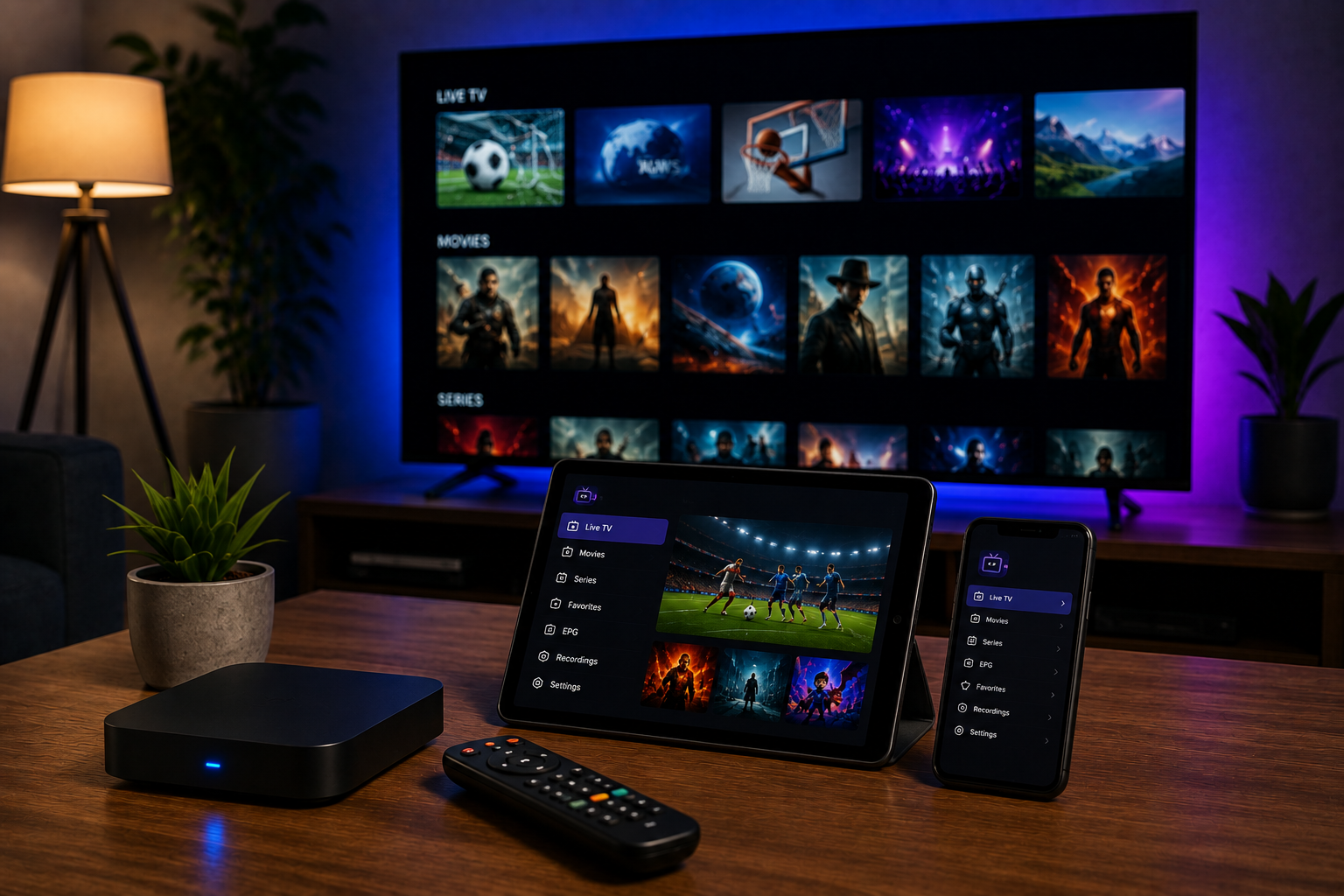
Open the app and choose the Xtream Codes option. Enter a profile name, server URL, username and password exactly as supplied. Check the protocol, port, slashes and spaces before saving.
After login, wait for live TV, video on demand and series to load. Test Swedish channels first, then open a film, an episode and a sports stream. If the app imports VOD but not live TV, the issue may be account permissions or category loading.
Xtream is often easier than a raw M3U link because categories and guide data can be organized automatically. Still, you should verify EPG times and language labels before making the app your main player.
Setup With M3U and XMLTV
Choose the playlist or remote M3U option and paste the complete link. Give it a clear name, such as Sweden Home TV. If your provider gave an XMLTV address, add it in the EPG field.
When the list loads, check whether live channels, VOD and groups are separated properly. Some lists appear as one long file, while others have categories for Sweden, sport, kids and movies.
If the playlist is empty, test the same link in another trusted player. If it works elsewhere, the problem is likely in the app settings. If it fails everywhere, contact your IPTV provider.
EPG, Subtitles and Playback
EPG is essential for normal TV viewing. Check Swedish time zone, summer time and guide offset if programs appear one or two hours wrong. Refresh the guide manually after adding a new XMLTV source.
The app listings mention subtitle support and a built in player for many formats. That matters for films and international channels, but availability still depends on the stream and metadata supplied by your provider.
For live sports, prioritize stability over maximum resolution. Full HD that plays smoothly is better than 4K that stops during a match.
Devices and Casting
On Android, the Google Play listing reports Chromecast support and device support across common processor types. On iPhone and iPad, the App Store page mentions AirPlay and Chromecast related features. Real performance can still vary by device, network and app version.
If casting is unreliable, test direct playback on the phone first. Then try another channel and restart the router. A dedicated Android TV box or Apple TV can be better because the player runs directly on the big screen.
You can compare how Nordic IPTV King presents device support, but always test the same channels and network before judging quality.
Common Problems and Fixes
If channels buffer, restart the router, switch WiFi band or use Ethernet. Pause downloads and test again.
If you hear sound but see no picture, change player settings or test an external player. The stream may use a difficult codec.
If EPG is missing, confirm the XMLTV URL, refresh the guide and check time settings. If only one category is missing, the provider may need to update the source.
If the app crashes, clear cache, update it from the official store and check free storage. Save login details before reinstalling.
For a broader setup that includes Swedish live channels, VOD and multiple devices, IPTV with JA IPTV can be included in your comparison.
Security, Content Rights and Support
GSE does not supply channels. That distinction matters. A player can be legitimate software, while the playlist you add still needs proper distribution rights. Choose services that explain their company details, terms and content rights clearly.
Install only from official app stores. Avoid unknown APK files, public playlist dumps and people who ask for remote access to your phone or computer. Support normally needs your device model, app version and error message, not your banking details.
For setup help with M3U, Xtream Codes, EPG or device choice, JA IPTV’s support contact is via WhatsApp. Do not share full passwords or playlist links in public groups.
FAQ
Is GSE an IPTV provider?
No. It is a player. You need your own playlist or Xtream login from a separate IPTV service.
Which setup is easier?
Xtream is usually easier because live TV, VOD, series and EPG are grouped more neatly. M3U is flexible, but it often needs more manual guide setup.
GSE can be a capable IPTV player when you use correct login details, a stable service and careful settings. Test your Swedish channels, EPG, subtitles, casting and VOD before committing to one player long term. To compare a flexible subscription and get help with setup, visit JA IPTV and choose a package that fits your devices reliably.